Roy I.T. Ace

Workforce Compliance & Visual Monitoring Platform

A desktop and web-based compliance monitoring platform designed to help quality and compliance teams review workstation activity, identify policy violations, manage escalations, and automate portions of the review process using computer vision and AI-assisted detection.

My Role: Sole System/Application Engineer
Project Type: Enterprise Workforce Tool
Development: Web-development · Windows Application · Architecture · Infrastructure

The Challenge

Quality and compliance teams needed a reliable way to verify that remote and workstation-based users were following operational and security requirements without relying entirely on manual observation.

The solution needed to capture visual evidence from multiple cameras, provide structured review and escalation workflows, restrict tampering with the monitoring application, and help quality teams process a large number of captured images efficiently.

The Solution

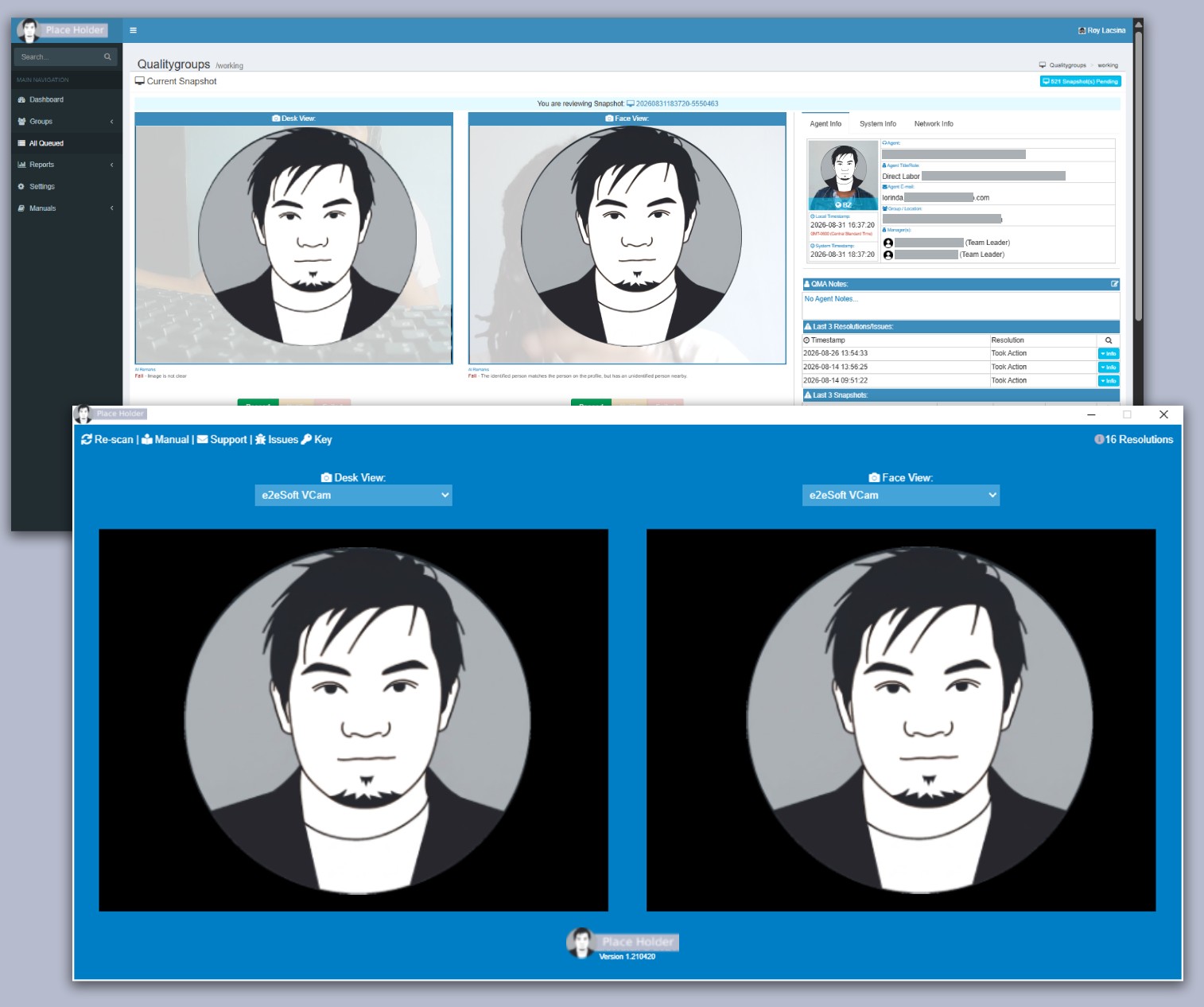
I designed and developed the system as an integrated desktop and web platform. An Electron-based desktop application operates on monitored workstations and communicates with a centralized PHP/MySQL web platform used by quality monitors, team leaders, compliance personnel, and quality managers.

The system combines dual-camera monitoring, role-based review workflows, automated notifications, escalation management, and AI-assisted image analysis into a centralized compliance process.

Major Components

*Screenshots and technical details have been modified or anonymized to protect proprietary and confidential information.

Dual-Camera Monitoring

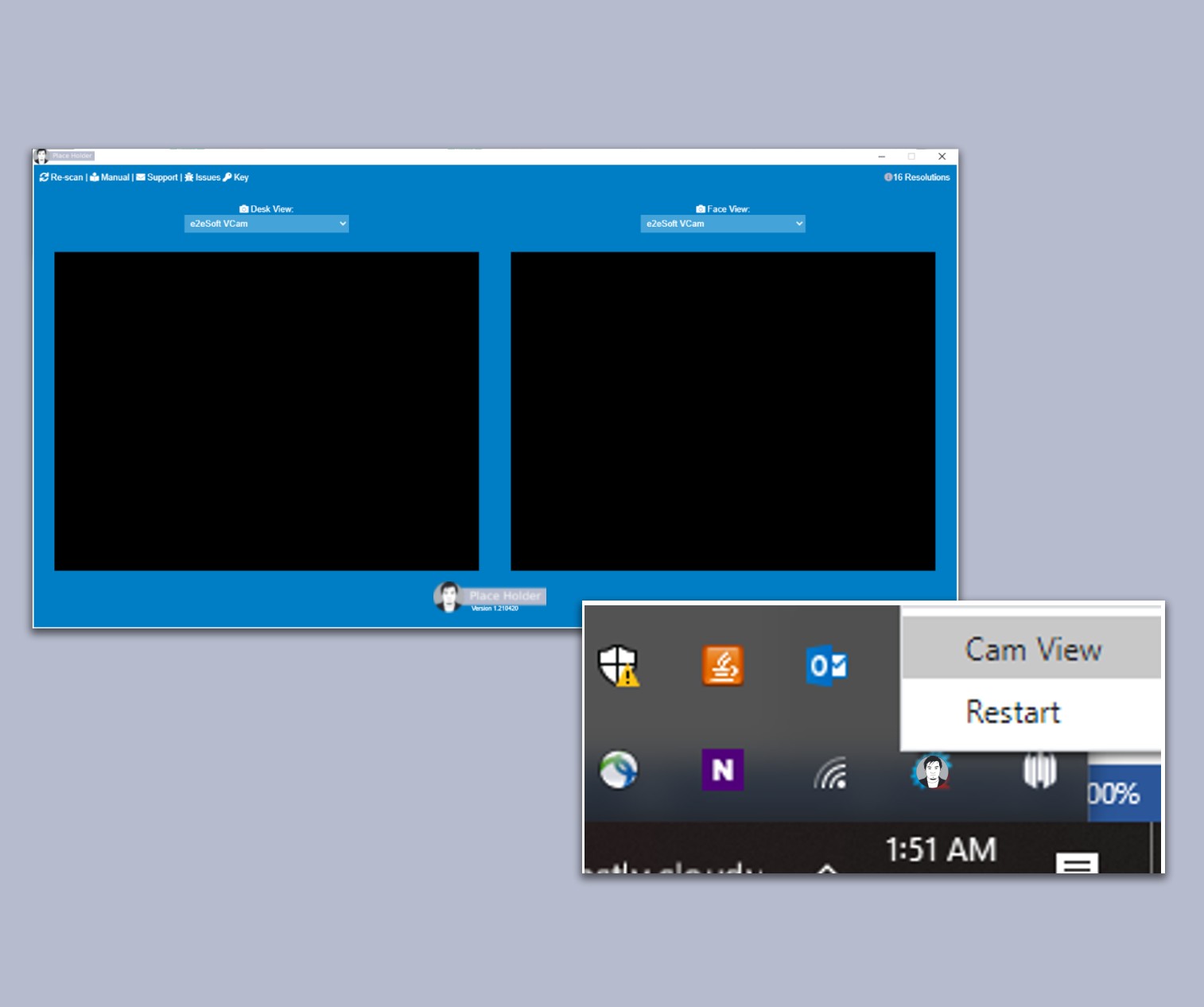
The desktop application supports two camera sources, allowing required workstation views to be captured for compliance review.

Users are provided only the controls necessary to select their approved camera devices, helping maintain a consistent monitoring configuration.

Background Desktop Application

The Electron application is designed to continue operating in the background during the user’s work session.

A controlled interface and restricted application controls help prevent normal users from accidentally stopping or changing required monitoring functions.

One-Time Authentication

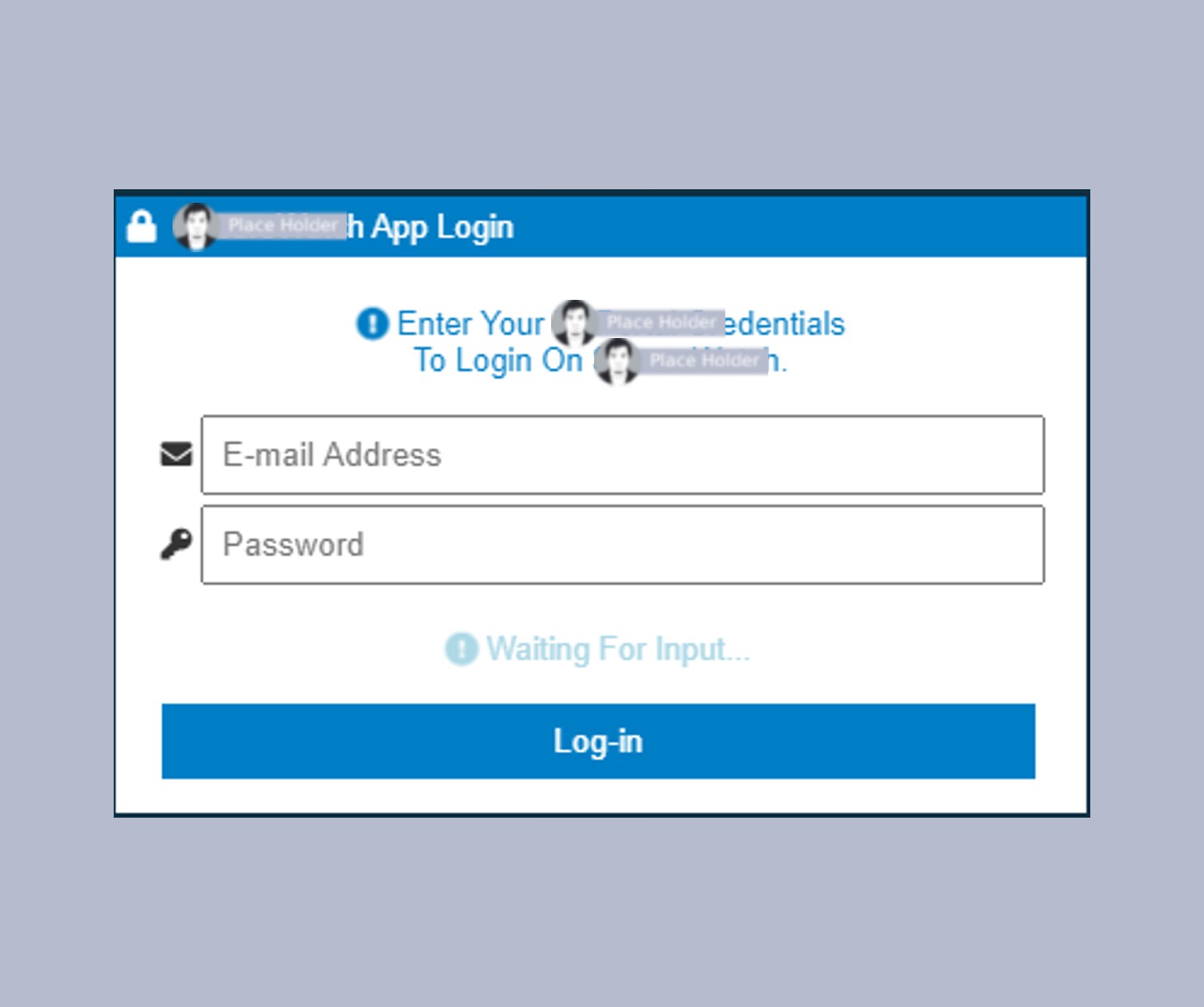
The desktop client supports persistent authenticated sessions so users do not need to repeatedly log in during normal operation.

Administrative and maintenance functionality remains separated from the standard user interface.

Quality Review & Grading

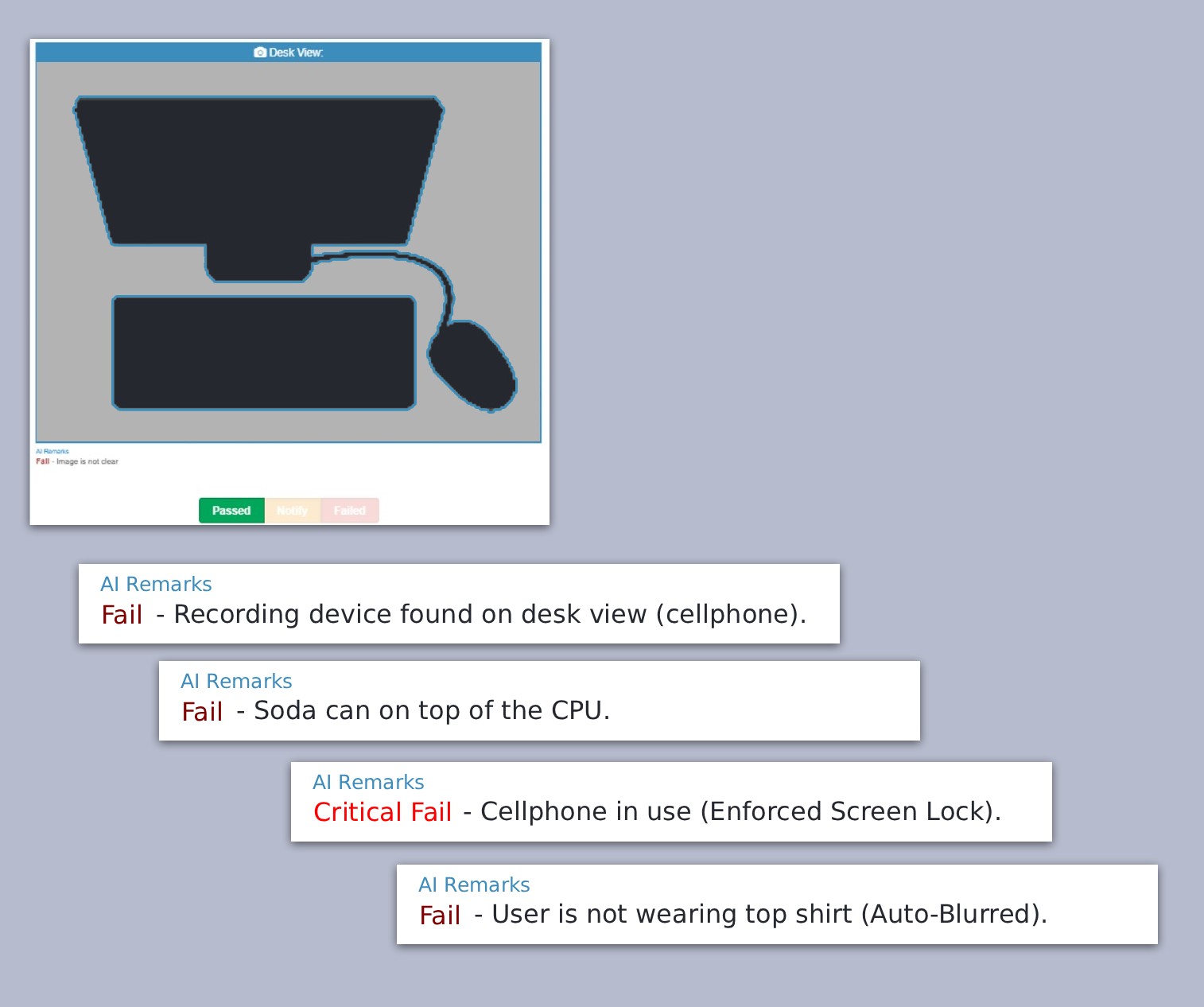
Captured snapshots are presented through a centralized quality-monitoring interface where authorized reviewers can classify them as:

Passed · Failed · Escalated · User Notification Required

This creates an auditable workflow rather than simply collecting images.

Escalation Workflow

Potential compliance violations can be escalated from quality monitors to higher-level reviewers or quality managers.

Team leaders and compliance personnel can review failed evaluations and submit resolution or override requests when appropriate.

Review & Resolution

Authorized users can review previously graded screenshots, investigate failed evaluations, request resolutions, and—when permitted—override an evaluation to a passing result.

This creates a multi-level review process instead of relying on a single evaluator’s decision.

AI-Assisted Screen Analysis

The System incorporates automated image analysis to assist the quality team with high-volume review.

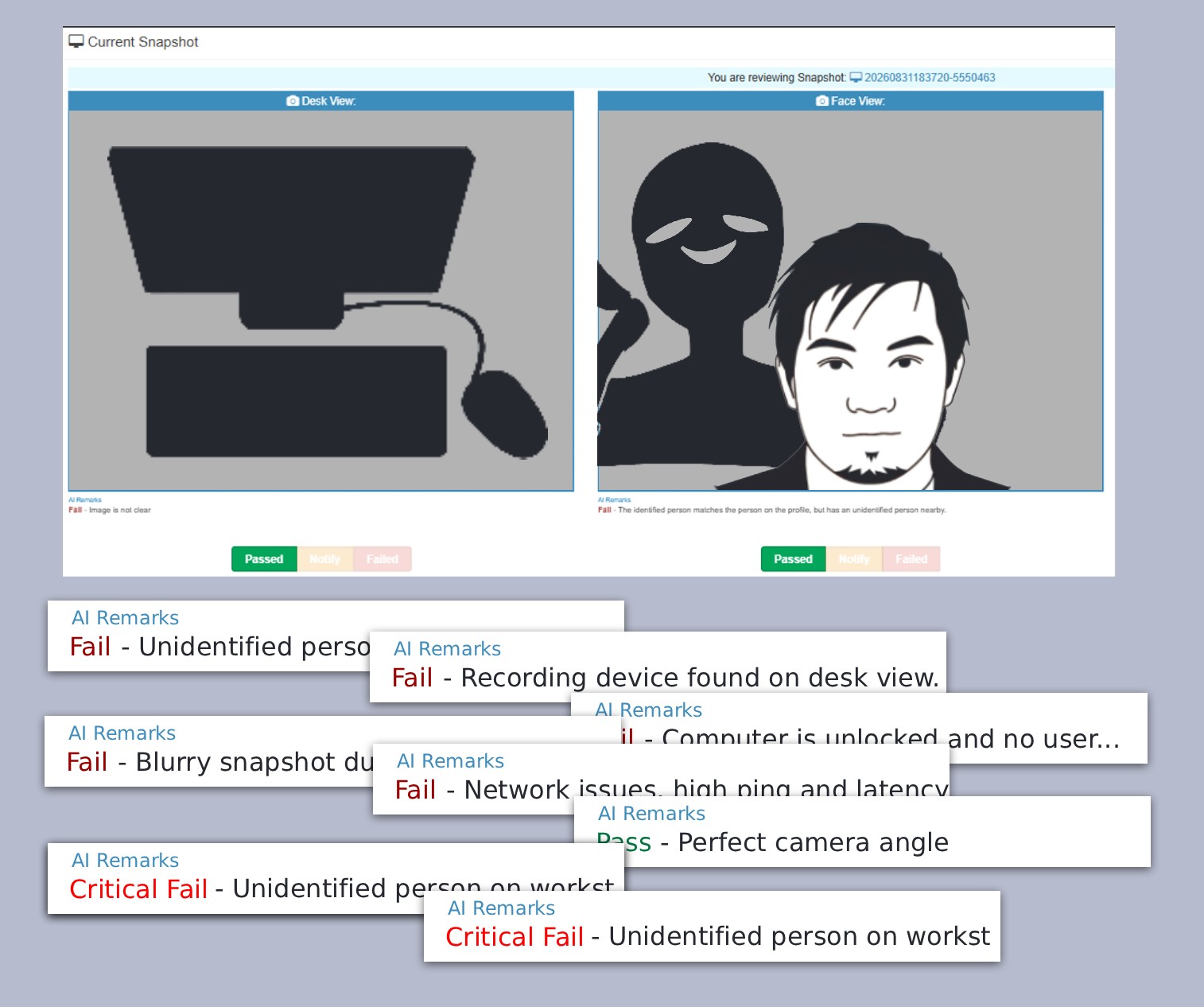
The system can identify images that appear to meet predefined safe-screen criteria and assist with automatic grading, reducing the amount of routine material requiring manual review.

Face Detection & Verification

Computer-vision functionality can analyze camera captures to determine whether the expected registered user is present.

This provides an additional identity-verification signal during monitored sessions.

Object Detection

Image analysis can identify selected objects that may represent compliance concerns, including potential writing or recording materials.

Detected conditions can then be incorporated into the application’s automated review process or presented for human verification.

Network Performance & Workforce Analytics

System also collects and analyzes network performance data from monitored workstations, including internet speed, latency, and connectivity metrics.

This data provides visibility into network quality across different geographic areas and creates a historical dataset that can support operational decisions—such as evaluating whether internet infrastructure in a particular area is suitable for remote-work operations and future WFH recruitment.

Asset & Equipment Management

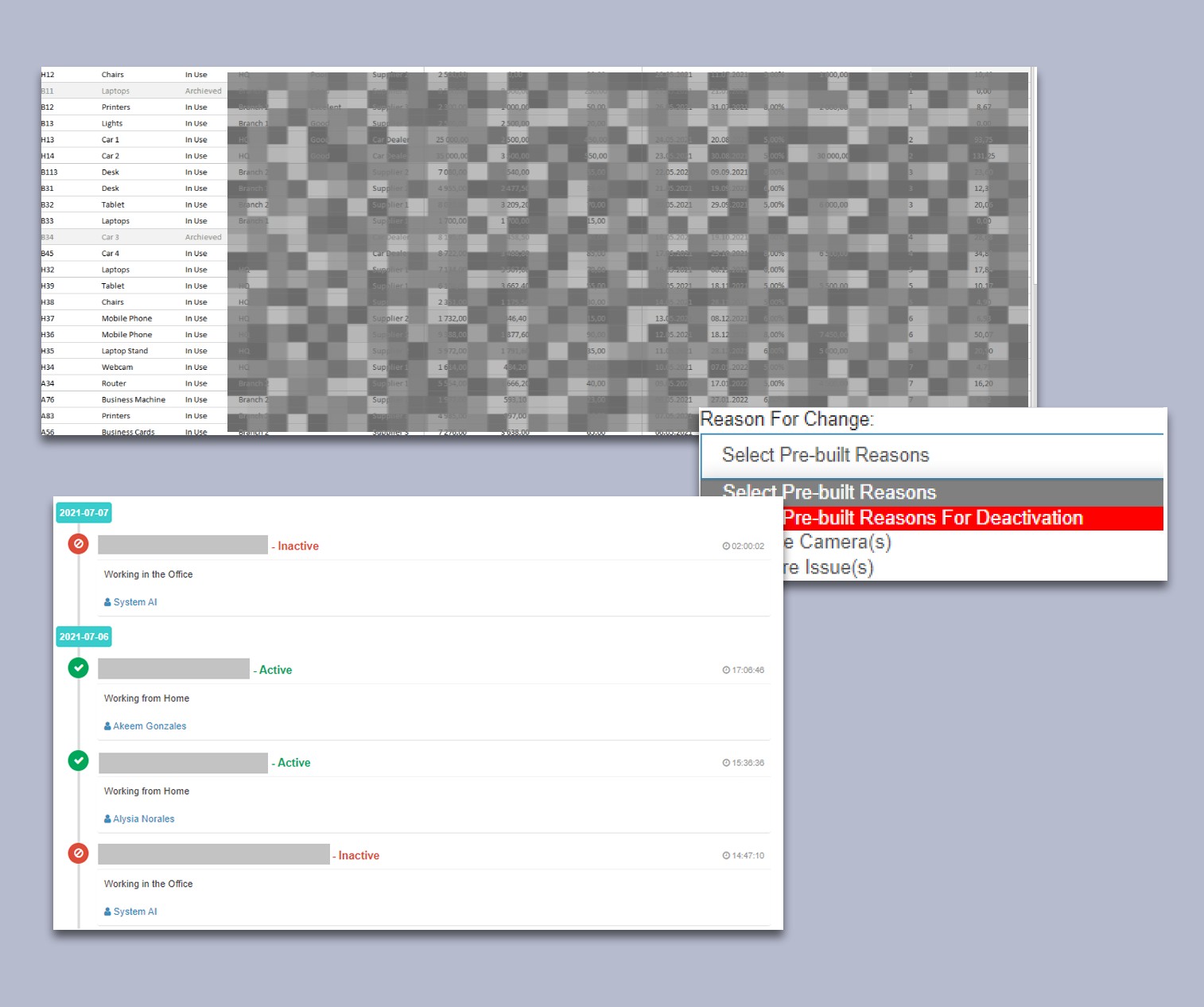
System also provides centralized asset and equipment auditing, allowing the organization to track equipment inventory, availability, assignment, and accountability across the workforce.

Cloud Infrastructure
AWS-hosted application infrastructure, MySQL/RDS, Linux/Apache, background services, and deployment.

Technology

PHP · JavaScript · MySQL · AWS EC2 · AWS RDS · WebRTC · WebSockets · Linux · Apache · Apache · Electron.js · AI Assissted · Face Detection · Object Detection · HTML · CSS